White label help desk and ticket management software.
Customer questions arrive by email, chat, phone and your website. MerlinDesk puts them all in one list. Nothing is missed, and everyone knows who is doing what. If you look after support for other businesses, each client gets a separate account.
Works for one company or for many. Run it on our server, or on your own.
See it in 45 seconds
Who it is for
Three kinds of team use it. Pick the one that sounds like you.
You answer your own customers
Every email, chat, call and web form becomes a request your team can see, own and answer.
You run support for several clients
Each client gets a separate account, set up their own way, and you run the lot from one screen.
You run the IT desk inside your company
Staff requests, faults, on-call rotas, planned changes and your equipment list, all in one system.
Three screens, one system
Your team, your customers and you each sign in to a different screen. All three are part of the same system and all three are open in the demo.
| Screen | Who signs in | What they do there | Web address |
|---|---|---|---|
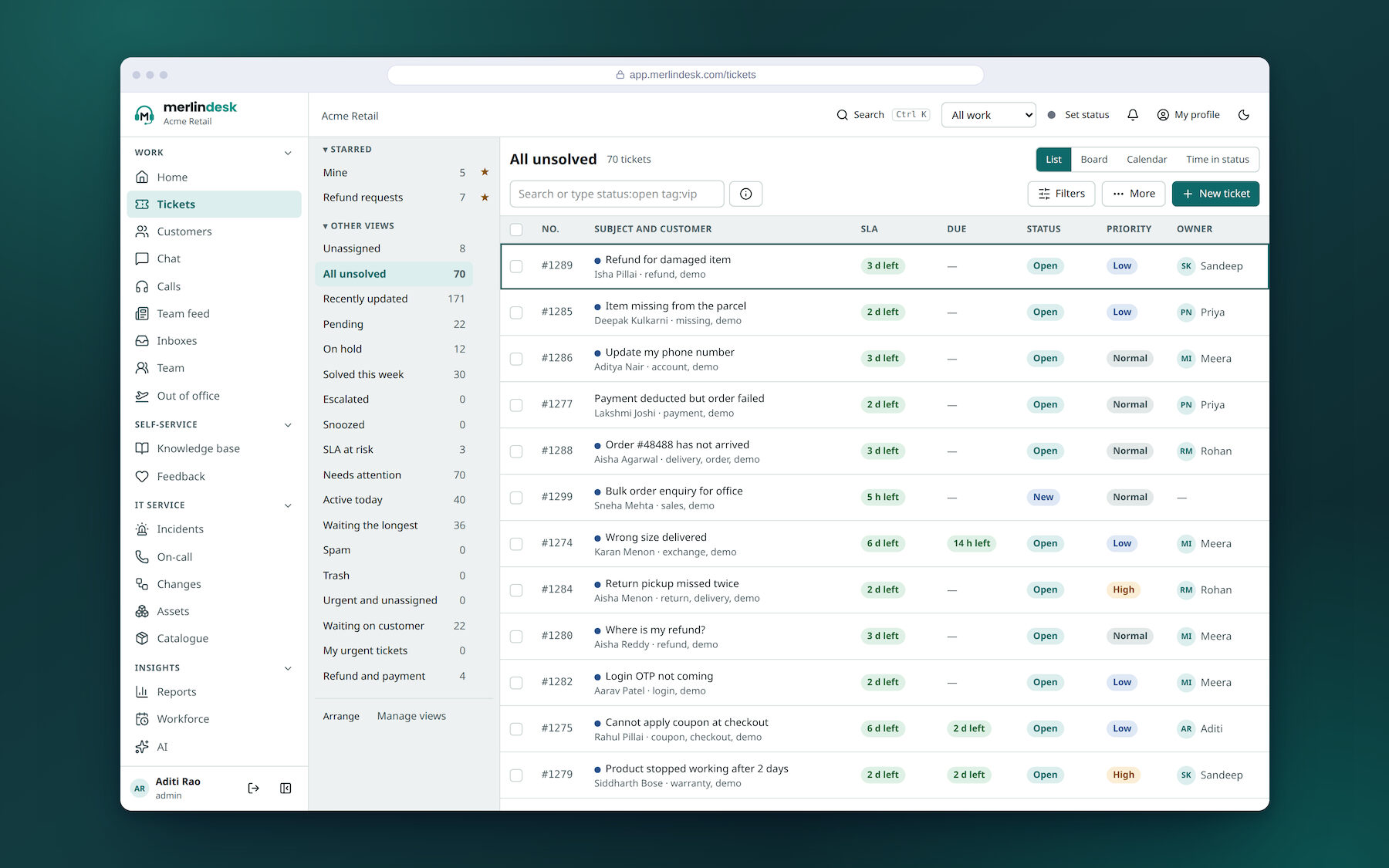
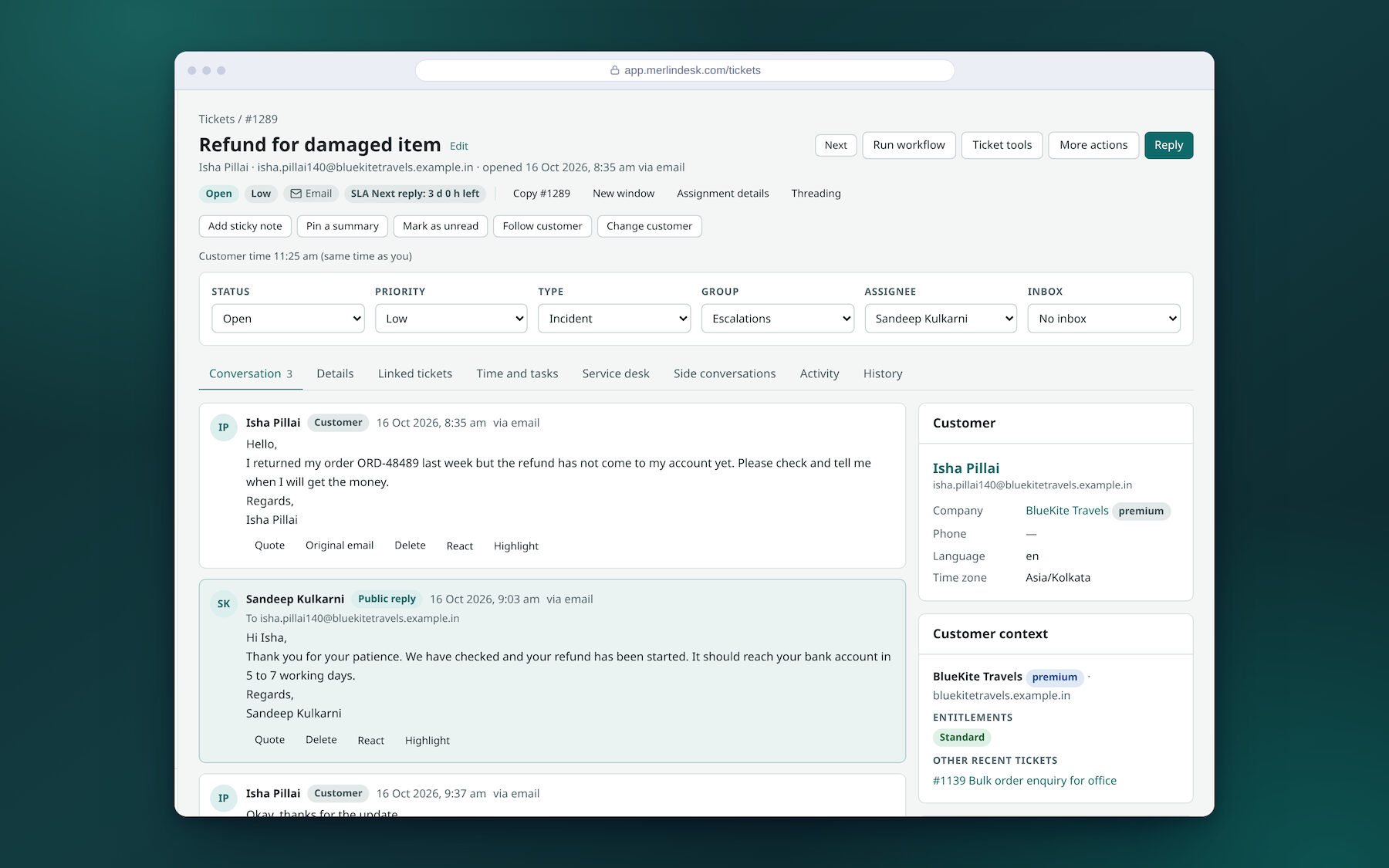
| For your team | Your support staff | Where they work all day: the request list, replies, calls, chats, customer records, help articles and reports | app.merlindesk.com |
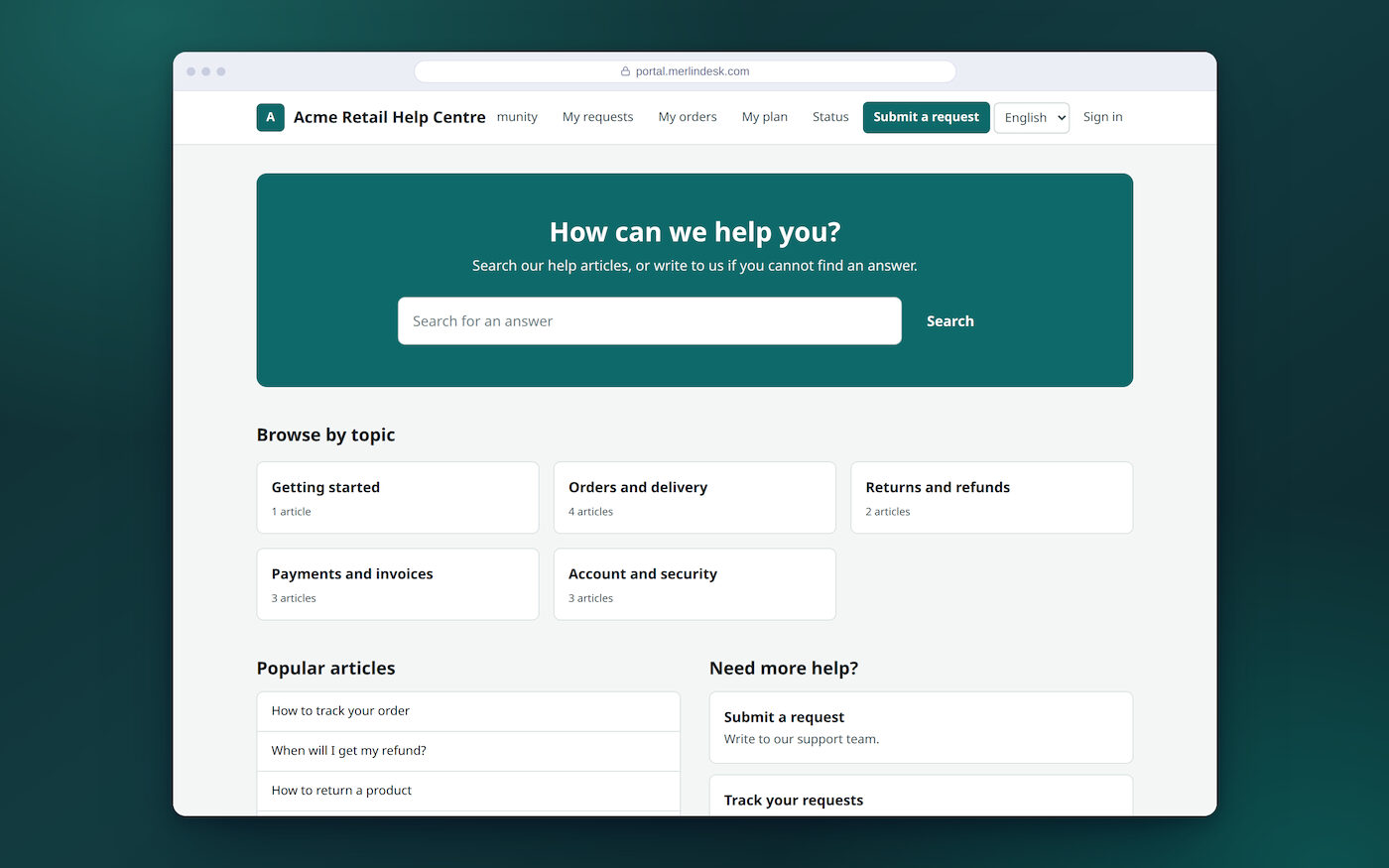
| For your customers | The people who write in | Send a request, read your replies, check progress and search the help articles. Nothing for them to learn | portal.merlindesk.com |
| For you, the owner | Whoever runs the platform | Add a client, switch one off, set limits and watch the system. This is the screen a reseller works from | ops.merlindesk.com |
Real screens from the running system
These are pictures of the software as it runs today, not drawings. You can open the same screens yourself in the demo. The demo workspace holds 300 requests and 15 help articles.
Counted from the code on 16 October 2026: MerlinDesk is built as 53 separate parts, each account has 826 settings you can change on its own, there are 470 separate permissions you can hand out, and about 3,676 automatic tests run on every change.
Look at any part in detail
A page each, in plain words, saying what works and what does not.
Where messages come in
Tickets and the day's work · Email · Live chat · Phone calls · WhatsApp and text messages
Where customers help themselves
Keeping the work moving
Rules that do the routine jobs · Reply and fix times · Reports
IT, developers and data
IT support · Connecting your other software · Keeping data safe
What is switched off, and what is not built
Everything above is working. These six are not, and we would rather say so here than let you find out later.
- Sending real email, text messages and WhatsAppSwitched off on the demo, so nothing reaches a real customer
- Phone callsThe call screens are there, the telephone line is switched off
- Taking card paymentsThe card and bank connections are written but switched off
- Our name on the customer help pageIt cannot be removed yet
- A client logo on that pageYou can set the name and the colour, not the logo
- Your client's own web addressThe set-up is built, the certificate part is not finished
The demo is the real software. It runs on one server with email, text messages, WhatsApp, telephone and card payments switched off. Nothing reaches a real customer and no card is ever charged.
All five of those are built. Each one needs your own account with a provider — an email service, a messaging service, a phone company or a payment company — before it can send a message, place a call or take money.
Ask us for an account
Sign-in is by invitation while the software is in review. There is no sign-up form and no free trial button. Ask us and we will set an account up for you. You do not need one to look around — the demo is open to anyone.